
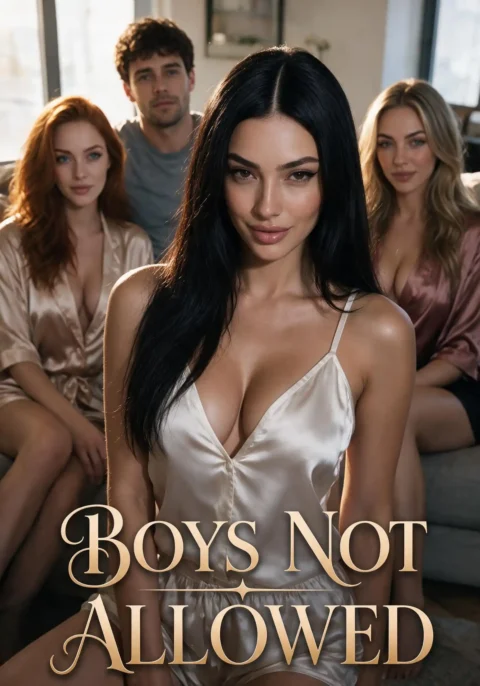
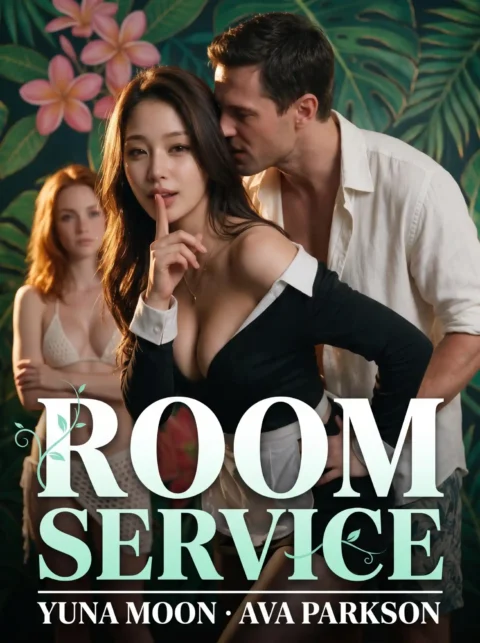
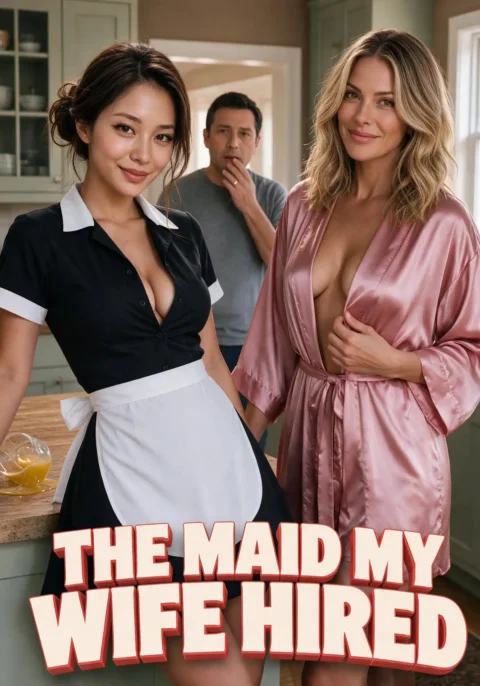
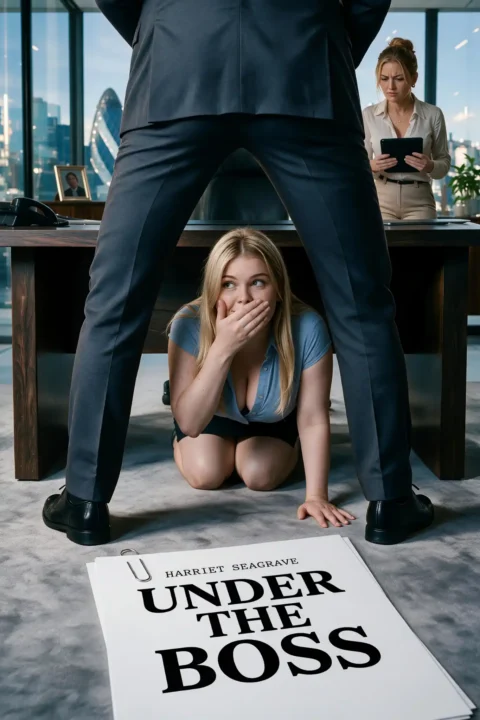
Candy Shorts is the part of Candy.ai you watch, and on October 20, 2026 it listed 168 scripted series, most of them five short episodes long, each written in advance and the same for each viewer. A generated clip is the opposite: you ask for it, and the Premium tools make it on demand. Both get called Candy AI videos, and this page sorts them out before it covers the player and the app.
Candy AI videos: series, generated clips and clips for sale
The platform holds three kinds of video, and they differ in who makes them and what you pay. The Shorts are written ahead of time and run from setup to payoff, so no chat is involved. Generated clips come from the AI tools, on your request. Pre-made clips sit inside character profiles, and you can buy them there. Two terms first: tokens are the credits for paid episodes, and Spicy is Candy's name for its adult series, locked until you hold Premium, the paid plan.
| Kind of video | Who makes it | What you need | What it costs |
|---|---|---|---|
| Candy Shorts series | Candy, scripted in advance | Episode 1 as a guest, episode 2 with a free account, Premium for Spicy | 0 tokens for the first two episodes, then 12, 30 or 50 per episode |
| Generated 18+ video | The AI tools, on your request | Premium | A Premium perk, and tokens pay for extended features |
| Pre-made clip in a character profile | Candy | A purchase | Priced when you buy it |
Premium brings 100 tokens a month, and a free account cannot open a Spicy series at all. For the open series, the free pair is the part you can try before paying, while generated and pre-made clips sit on the paid side.
How I tested this
- I watch the Shorts inside the player on a Premium account, starting with the first two episodes of each series, Spicy ones too, then sampling later ones to compare quality. On the same account I've used the image and video generators.
- As a guest, episode 1 started at once, and the next one asked me to sign up for a free account.
- The app steps below are the ones the Get App prompt shows, and the install is a shortcut, not a file.
- I describe the generators and the profile clips by their function and their price in tokens, and I leave them ungraded, since my scores cover the series.
How the Candy AI Shorts player works: portrait video, subtitles, no download
Think phone first. The video is portrait, a tall 9:16 box on a desktop and about three quarters of the screen's height on a phone. Each episode runs roughly one to two minutes, so a five-episode series adds up to five to ten minutes of video once the later episodes are unlocked.
Subtitles come in several languages. On October 20, 2026, 151 of the 153 open series carried subtitle tracks: 94 in English, French, German, Spanish, Italian and Portuguese, and 57 with Japanese added. The series page has no download link, the right-click menu is switched off and so is picture-in-picture. The unlock window promises an episode that is "Yours forever", with no ads and no waiting, which means you can rewatch it inside the platform, not that you receive a file.
Candy AI app: what Get App does and how to add it to your home screen
No Candy AI app file exists to download. A Get App prompt on the plans page and the Shorts page asks you to add the site to your home screen instead. iPhone users find the option under the Share button, and Android users find it in the browser's own menu. The label on both is Add to Home Screen. The prompt adds that getting the app lets you receive notifications about new messages, new features and sales and discounts.
So the CandyShorts app is the website with an icon, and no store listing is involved. You can also keep using Candy AI in a plain browser tab on a desktop or a phone. A file sold as an official app, or as a Shorts installer, did not come from Candy.ai, and the warning about fake files explains the risk.
Generating videos on Candy AI: what Premium lets you make
Premium includes Generate 18+ Videos and Generate 18+ Images among its perks. I've used both tools: you write a prompt, the tools create the media on demand, and image generation and voice notes are among the extended features that tokens can reach. I don't list a token price for a generated video on this page.
Four rules shape what comes out. Moderation can alter or limit a request before anything is generated, for instance when it asks for prohibited content. The Blocked Content Policy rules out anything that looks like a minor, deepfakes and intimate images shared without consent, and it covers all AI content on the platform. The Community Guidelines forbid stripping the metadata or marks that show content is AI-made. And the Terms make you responsible for the output you generate.
What is a Candy AI series, and where is a full episode?
A Candy AI series is a run of scripted portrait episodes, five in most cases, with the longest running to 34 (My Bestie Betrayed Me) and 30 (YES MA'AM). Each series page has a poster, a synopsis and the player. The guide to the Shorts format covers the shelf, and what plays without paying covers the free steps.
You may meet a clip online that claims to be a full episode. A clip is a teaser, and the full episode plays in the player, while a separate check of video sites looks at what those sites really hold. A file offered as an unlocked episode is a risk, not a shortcut.
Which Candy AI videos are worth your tokens
The Shorts are where I'd spend tokens: the opening pair needs none, and on Premium the Spicy creator series showed the most care. I've used the generator too, and I leave it ungraded, since my scores cover the series; the rules above are what shape the results. The app is free: add it to your home screen if you watch on a phone, and skip any download that promises an app or an unlocked episode.